
Network-agnostic
Use a supported adapter or implement a small provider interface instead of rebuilding the audio system for each networking stack.
MetaVoiceChat is a self-contained, extensible voice system for Unity—without a required cloud service or networking-vendor lock-in.
Self-contained proximity voice chat solution for Unity with easy setup and support for many networking libraries. Not affiliated with Meta Platforms, Inc!
Explore the repositoryRefreshing from the public GitHub API…
Known games using MetaVoiceChat have collectively reached more than six million players.
Rounded creator-supplied audience figures as of July 2026. This is aggregate game reach, not direct downloads or a claim of active users.
Publicly known examples—not an exhaustive customer list. Embedded game assemblies make many integrations difficult to discover.

Selected game using MetaVoiceChat

Full game and demo use MetaVoiceChat
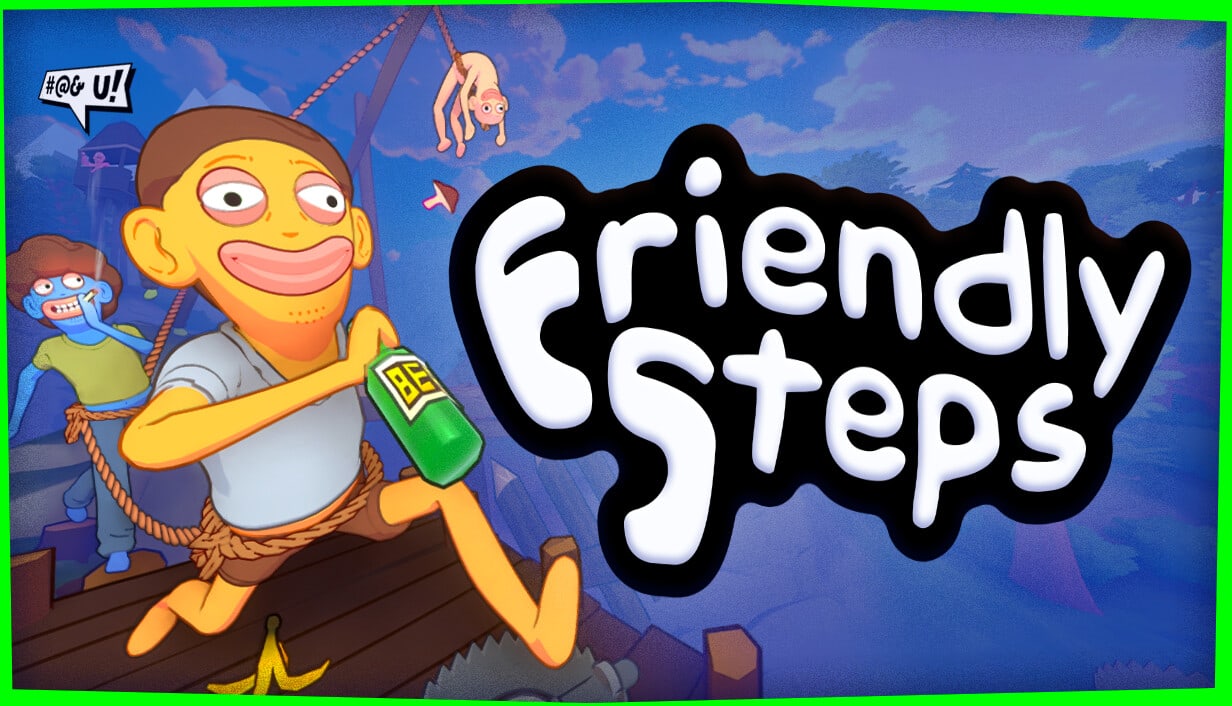
Selected game using MetaVoiceChat

Selected game using MetaVoiceChat

Open-source Unity VR framework that credits MetaVoiceChat
Reach figures are rounded, creator-supplied snapshots as of July 2026. Follow each title for its current public information.
The defaults handle common voice-chat needs; the abstractions remain available when a project needs something unusual.
Use a supported adapter or implement a small provider interface instead of rebuilding the audio system for each networking stack.
Dynamic buffering and latency correction smooth packet timing while preserving responsive voice communication.
Composable inputs, outputs, and filters make push-to-talk, visualization, recording, and custom processing practical.
Pooled data buffers, configurable Opus settings, diagnostics, and test signals support real multiplayer workloads.
Networking providers are deliberately separated from capture, codec, and playback behavior.